The ideas here run from a wedding website and a vision moodboard to a digital wedding planner, with advice on picking the right app and keeping stress in check along the way.
Your deadline and your number decide how much tool you need: if you are working against a real budget on a short clock, one app that logs every dollar spent beats any mix of spreadsheets and notes.
1. Wedding Website
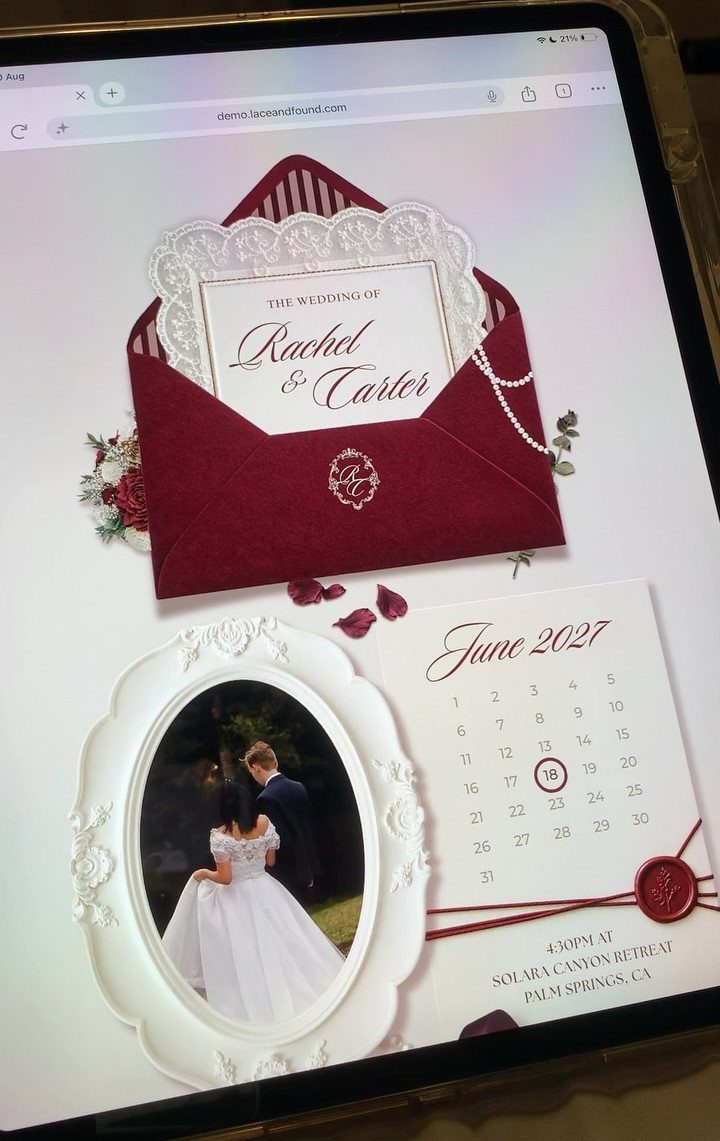
A wedding website gives guests one address for the date, the invitation and a photo of the two of you, so you stop answering the same texts.
The tablet view shows a calendar page for June 2027 beside a burgundy invitation, and that pairing is what I would copy: the date, shown plainly, sits next to the invitation.
Put the essentials on the first screen. Guests read it on a phone, so check it there before you send the link.
Add details like travel or lodging as separate pages once you have them, not before.
2. Digital Wedding Planner
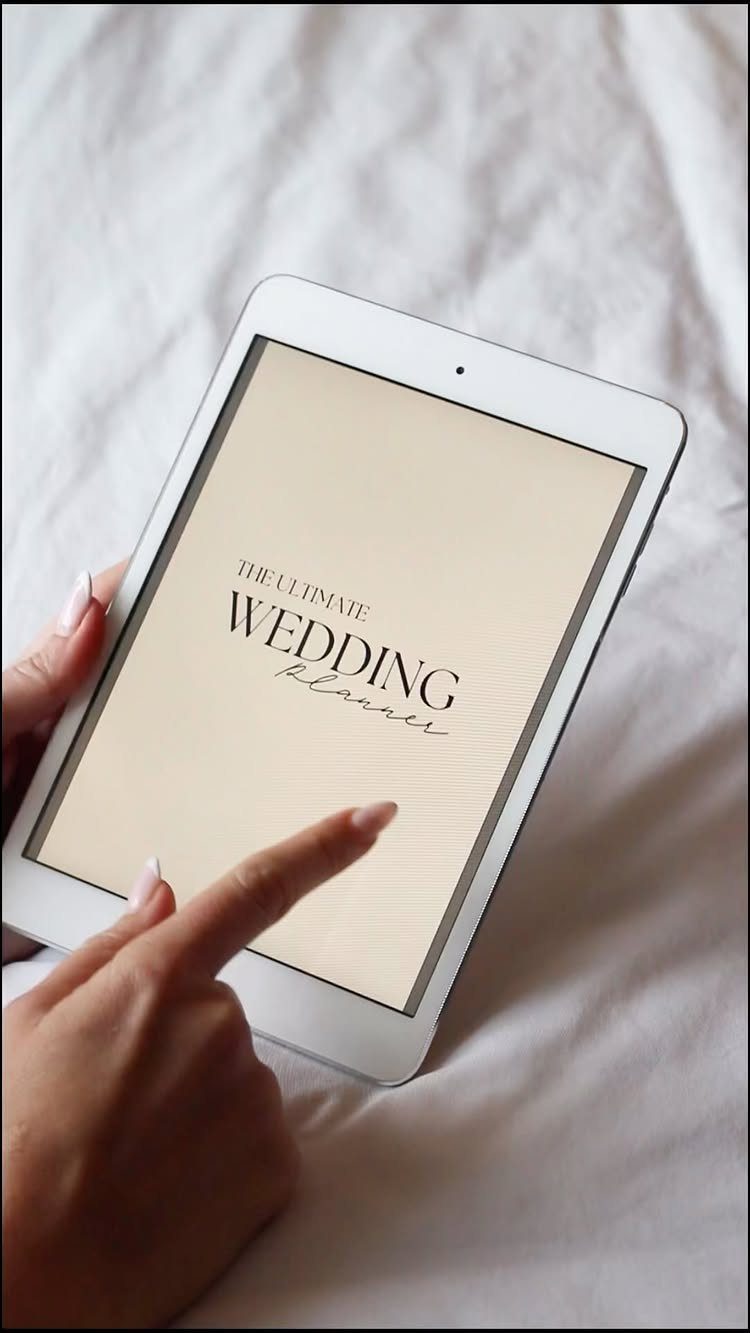
Budgets, checklists and vendor notes can live in one digital planner on a tablet, which beats a pile of scattered spreadsheets and a notes app.
For a couple working against a real number and a deadline, a single place to log what you have spent is the feature I would care about most.
Open it weekly and update the budget first. Then the checklist.
Share access with your partner so neither of you is guessing what the other already booked. A paper planner works too, but it cannot search.
3. Wedding Vision Moodboard
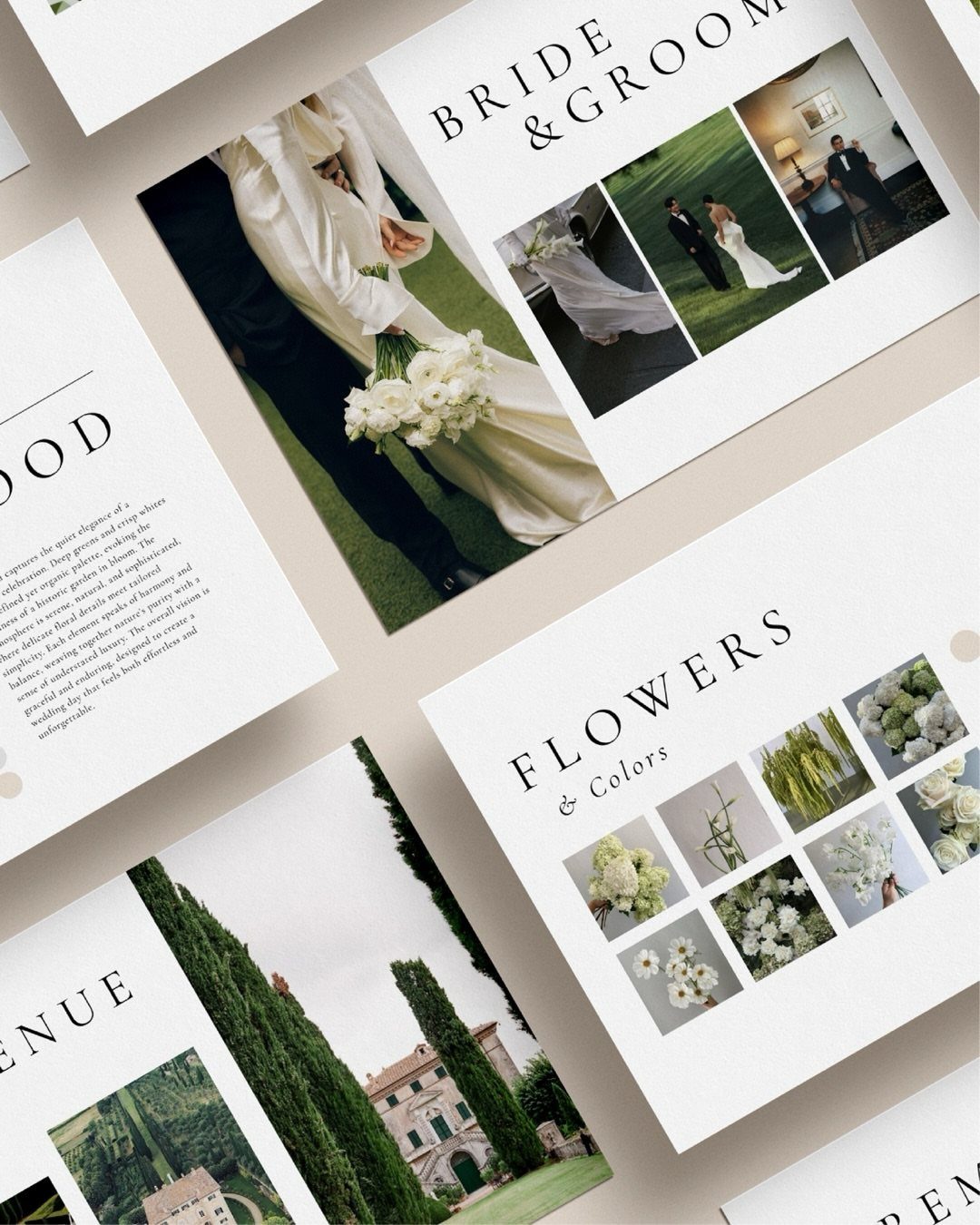
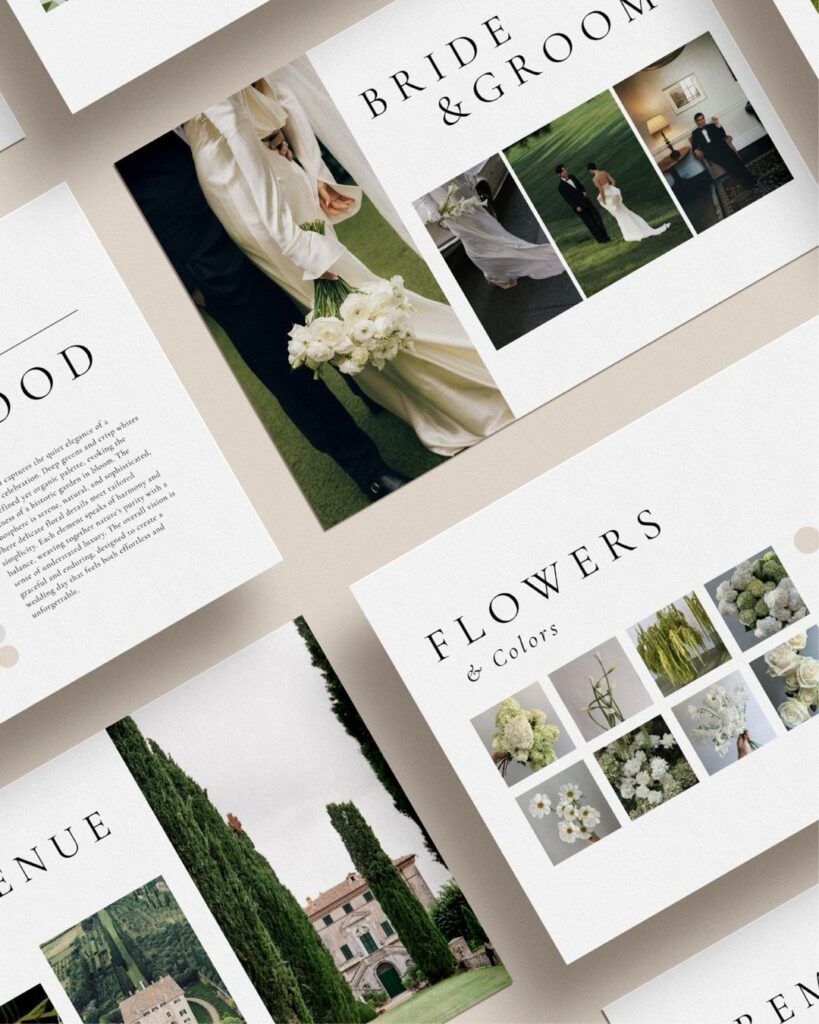
A moodboard turns vague taste into pages you can hand to a florist or a venue.
Gather images first, then cut anything that does not match the rest. Whatever is left is your real style.
Keep it to a few pages. A moodboard that grows endlessly stops guiding choices, and it only helps if you can show it in under a minute.
Choosing the Right App
Choose a single planning app and stick with it, since scattering your plans across several tools does more harm than a clunky interface ever will.
Budget in one place, guest list in a spreadsheet, checklist in a notes app and vendor emails in your inbox is how deadlines slip and details vanish.
If you want everything under one roof, The Knot and Zola both bundle budget, guest list, checklist, vendor search and a website builder. If vendor reviews matter most to you, WeddingWire has the largest database of them.
Want total control? Google Sheets or Notion let you build your own system from templates.
AI tools like ChatGPT or Claude can sit beside whichever you choose. I would use them for speeches, draft timelines and brainstorming, and keep the real tracking in your one app.
Importance of a Wedding Website
A website also saves you hours. Without one, every guest question lands in your phone, email or texts in the weeks before the day, and you answer the same thing again and again.
Use the space for more than logistics. Your love story and an introduction to your wedding party give guests something to read, and they set the tone before anyone arrives.
If you want a polished look with RSVPs handled cleanly, Joy and Zola are the 2 builders I would compare first. Both are modern and customizable.
Managing Stress During Planning
Planning stress usually comes from not knowing what is next, so build a task list with a deadline on every item. Then set automated reminders, so the app does the remembering instead of you.
Invite people in early. Your partner, wedding party and planner can all be added to a shared tool, and each can take tasks off your plate.
Delegating only works if the task has a name and a date attached. "Handle the rehearsal dinner" is vague; "book the rehearsal dinner room" is something a person can finish.
Frequently Asked Questions
How do I create my own wedding planner?
Pick one tool and build everything in it: a template in Google Sheets or Notion, or a planning app with templates already set up. Scattering these across several tools is what makes deadlines slip.
What are the key differences between The Knot and Zola?
On features the two are close to a tie, since each one pairs a budget tool, guest list, checklist, vendor directory and website builder.
I would pick the one whose interface you can stand opening every week. WeddingWire is the one I would check for reviews, because its pool of vendor ratings is the biggest of the 3.
What features should you look for in a wedding planning app?
Budget tracking comes first, ideally with category totals and a running balance, since logging what you have spent is the feature that matters most when you plan against a real number.
Next come guest list management, vendor organization and a checklist with deadlines. A website builder with RSVPs and shared access for your partner round it out.
Are free wedding planning apps really free?
Mostly, yes: budget tracking, checklists and guest lists cost nothing on the big apps. Expect to pay for extras, such as fancier website designs at about $20–$50 or add-on tools.
Vendors pay to advertise and couples buy from the registries, which is how The Knot and Zola stay free for you, and I find the free versions cover what most weddings require.