The list covers Bridebook, Zola, Wedding Photo Swap, plus budget tracking and inspiration boards, so the tool you need depends on which job is eating your time right now.
Couples buried in to-dos may want Bridebook, while couples fielding questions from guests are better served by Zola; Wedding Photo Swap suits those who care most about collecting guest photos.
1. Bridebook
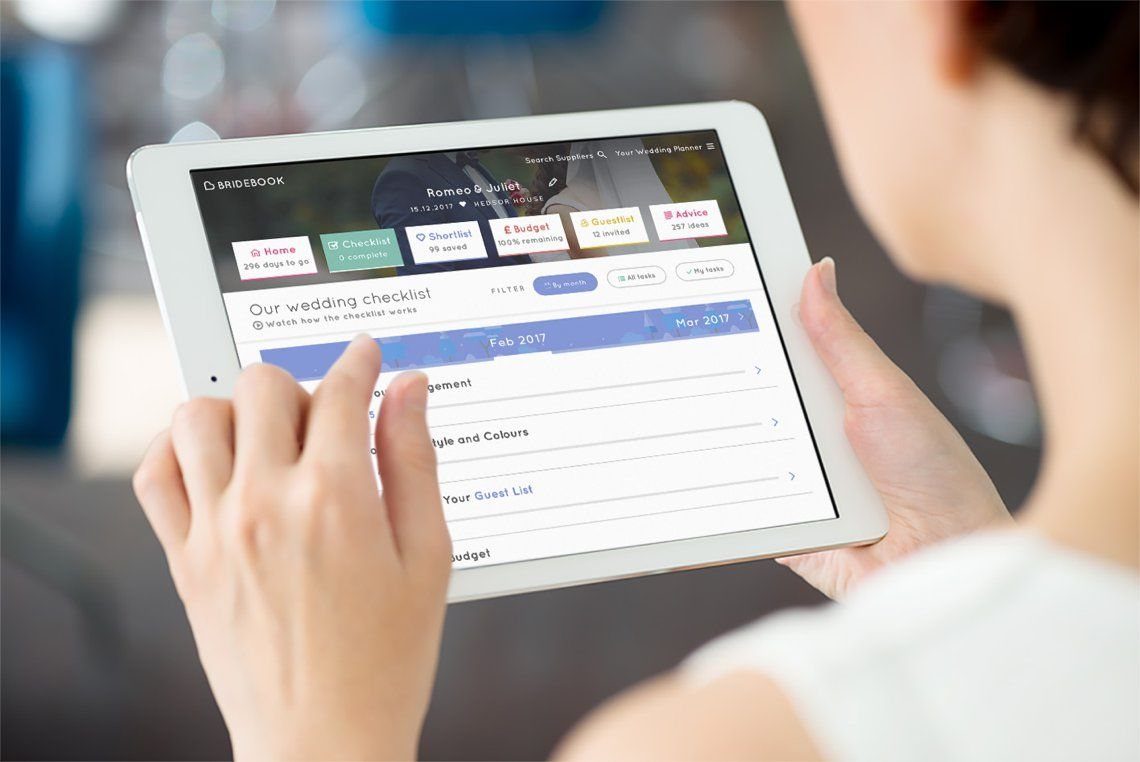
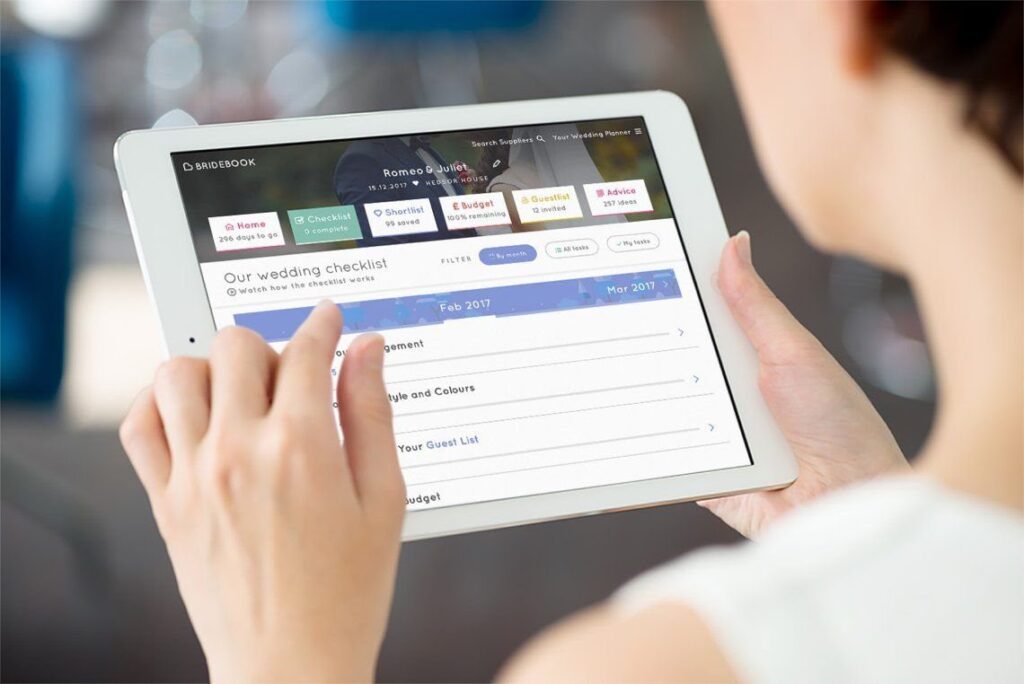
Bridebook puts the checklist front and center, with dates attached to each task so the timeline reads like a countdown.
That makes it a good fit for couples who want one dashboard instead of a notes app, a spreadsheet and a folder of screenshots.
It started in the UK, so check that its vendor listings cover your area before you commit to it. If they don’t, the checklist and planning tools may still be worth the download.
2. Zola
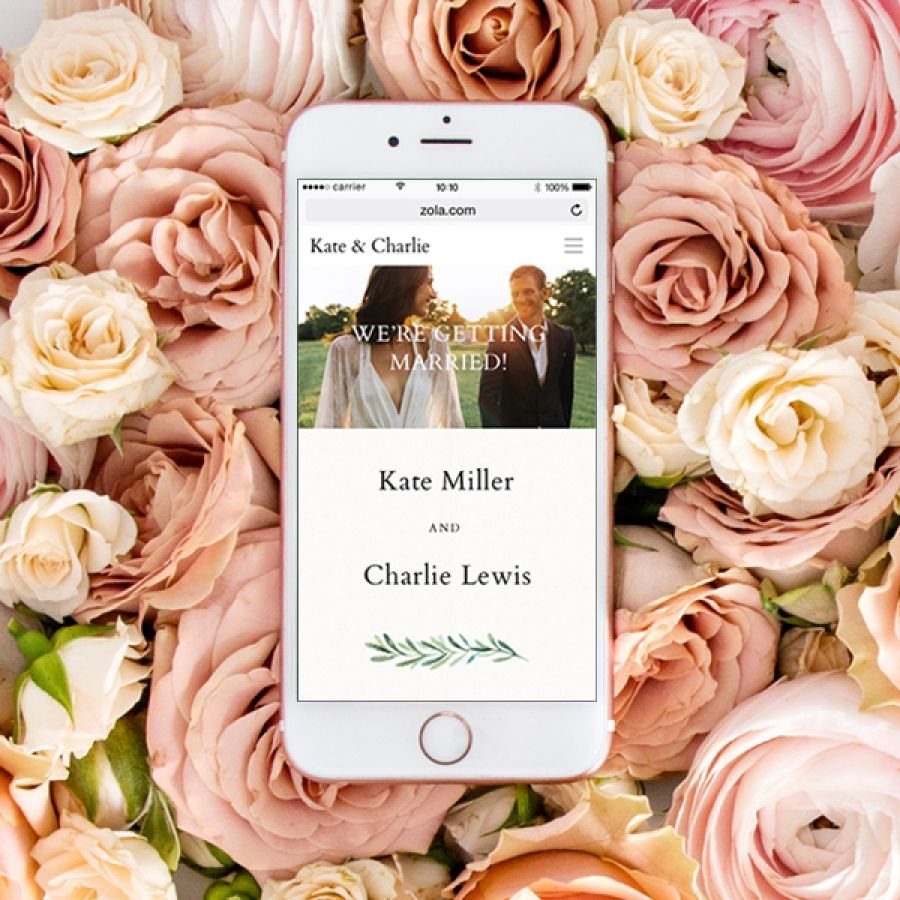
A Zola wedding website runs on a phone as easily as on a laptop, and that matters because most guests will open the link from a text message.
Registry and planning live in the same place, so you aren’t sending people to 3 different sites.
I like it for couples who want the website, the gift list and the to-do list under one login. Build the site early, then put the link on your save-the-dates.
3. Wedding Photo Swap
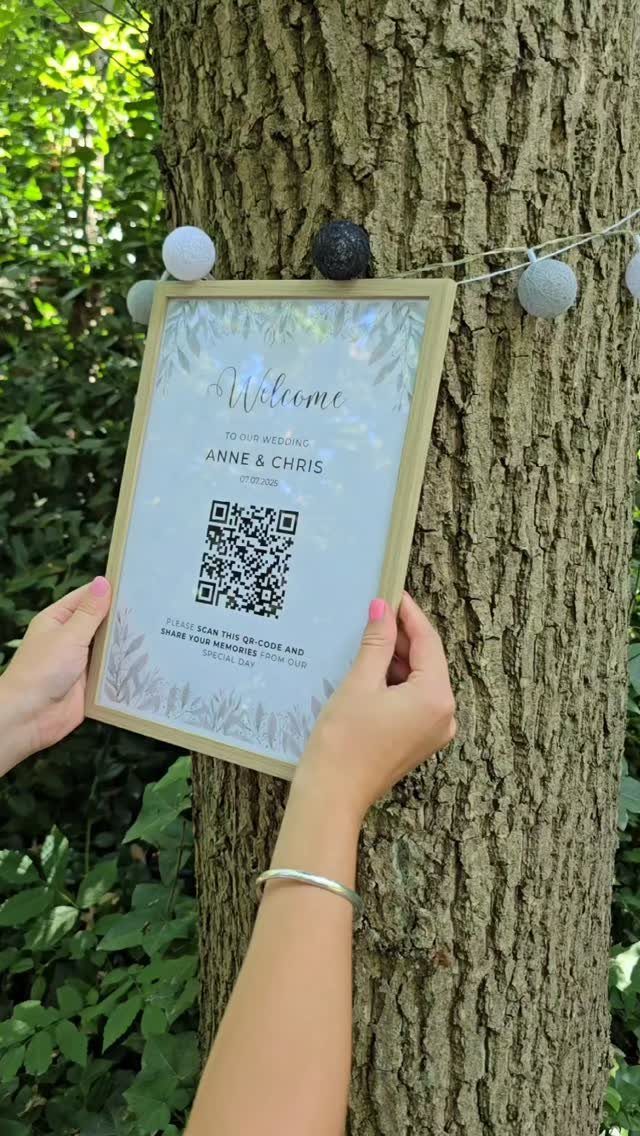
Wedding Photo Swap turns a QR code into a photo drop box. Guests scan the code on a sign, upload what they shot, and you collect the pictures in one place instead of chasing people for them later.
Print the code on a framed welcome sign near the entrance, where every guest passes it.
Add your date to the sign so the album has a clear label. It costs little next to a second photographer, though it won’t replace a pro.
Managing Wedding Budgets
A budget tracker only works if you feed it real numbers, so enter your total first and the amounts you’ve already committed second. Seeing what’s left before you book anything changes how you weigh one venue against a pricier one.
Many planning apps include a budget feature, and the point of it is to keep you inside your limit. Log every deposit the day you pay it, not at the end of the month.
Add a line for the costs people forget: tips, alterations, postage and a cushion for surprises. Even a small cushion keeps one overage from forcing a cut somewhere you care about.
If an app’s tracker feels clunky, a plain spreadsheet does the same job. What counts is that you open it before each purchase.
A major cost of a wedding is hiring a videographer and a photographer. According to TheKnot.com, brides should expect to spend 10-12 percent of their budgets on these vendors.
— CBS News
Inspiration and Ideas
Inspiration apps are for deciding what you like, so use them before you spend. Pinterest is where many couples start: colors, florals, attire and tablescapes all in one search.
Make one board per category, such as flowers, attire and decor, rather than one giant board. A venue or florist can look at a focused board and quote you accurately.
Pin with prices in mind. If every image on your decor board needs 200 candles, you’re collecting disappointment.
Black Bride is worth a look for attire and decor ideas, especially if you want inspiration for brides of color. Once a board settles into a pattern, pick 3 repeating details and build around those.
Frequently Asked Questions
How to make wedding plans?
Pick an app that packs a checklist with real due dates, a budget tracker and a guest list into a single login, since juggling 3 separate tools is where plans slip.
Bridebook counts the tasks down like a timeline, and Zola ties the to-do list to a wedding website and registry.
Type in your total budget before anything else, then record every deposit on the day you hand over the money; the remaining balance is then right there before you sign the next contract.
What is the best free planner app?
No single free app wins everywhere. Bridebook, Zola, Pinterest, Canva and Google Drive all have free versions, and The Knot and WeddingWire are popular too.
One review found that no free app covers checklist, guest list, seating chart and guest photo sharing without a paid upgrade somewhere, so pairing two focused free tools often works better than one all-in-one platform.
Is Zola better than The Knot?
If you want your wedding site, registry and task list under one login, Zola is the one I would choose.
Guests tend to tap the link from a text on their phone, so Zola’s mobile-friendly site counts for more than it sounds. I can’t say it beats The Knot overall, since the sources here don’t compare the two directly.
Are wedding planning apps worth it?
Yes, for most couples.
Many have free versions, with optional paid upgrades, so trying one costs little. A clunky built-in budget tracker is no reason to quit; a simple spreadsheet works fine if you check it before every purchase.